In today’s digital world, having a professional website is no longer optional—it’s essential. Whether you’re launching a startup, running a small local shop, or offering services online, your website is often the first impression customers will have of your brand.
Luckily, you don’t need to be a developer to build one. With WordPress, anyone can create a powerful, professional site with minimal technical skills.
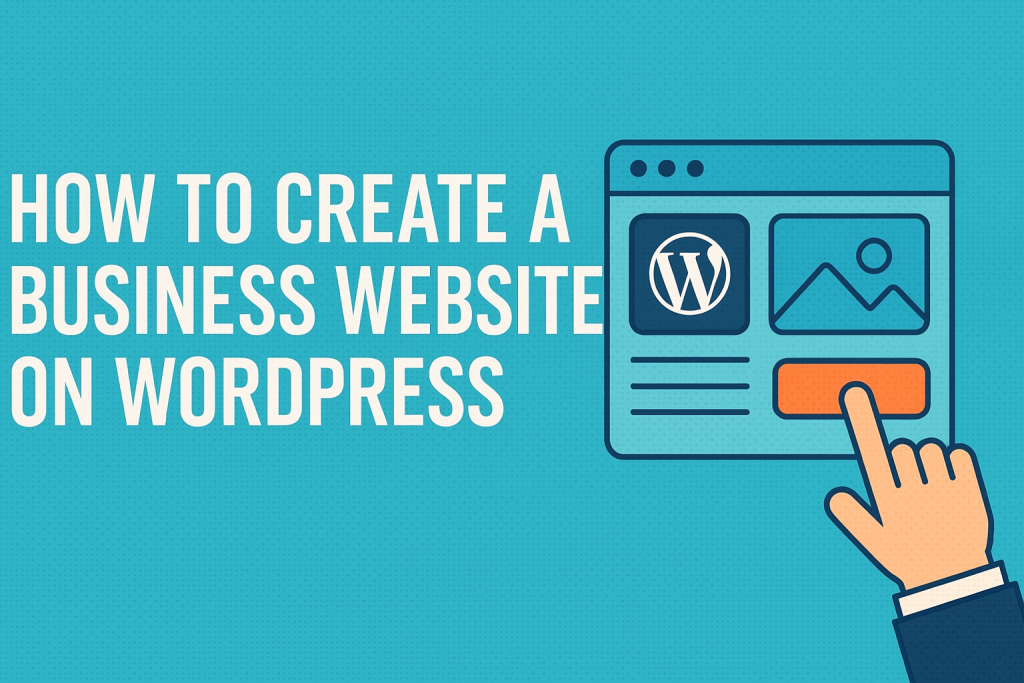
In this article, we’ll walk through how to create a business website on WordPress, step by step.
Why Choose WordPress for Your Business Website
WordPress powers over 40% of the internet—and for good reason. It’s flexible, scalable, and user-friendly.
Benefits of WordPress
- ✅ Free and open-source
- ✅ Thousands of themes and plugins
- ✅ SEO-friendly out of the box
- ✅ Easily scalable as your business grows
- ✅ Full control over content and design
WordPress is ideal for businesses that want a cost-effective and customizable solution.
Step 1: Choose a Domain Name and Web Hosting
The first step in building your site is securing a domain (e.g., yourbusiness.com) and choosing a hosting provider.
What to Look for in Hosting
- Reliable uptime (99.9% or higher)
- WordPress compatibility
- Fast loading speed
- Customer support
- Affordable pricing for small businesses
Recommended Hosting Providers
- Bluehost
- SiteGround
- Hostinger
- WP Engine (for managed hosting)
Many hosts offer one-click WordPress installation, making setup easy.
Step 2: Install WordPress and Set Up Your Site
Most hosting providers allow you to install WordPress in just a few clicks through their control panel.
Basic Setup Checklist
- Set your site title and tagline
- Choose whether to display blog posts or a static homepage
- Update permalink settings for SEO-friendly URLs
- Delete default content (sample posts and pages)
Start clean and configure your basic site settings before customizing further.
Step 3: Choose and Customize a WordPress Theme
Your theme determines how your website looks. WordPress offers both free and premium options.
What Makes a Good Business Theme
- Responsive (mobile-friendly) design
- Customization options
- Fast performance
- Built-in support for plugins
- Regular updates and support
Where to Find Themes
- WordPress Theme Directory (free)
- ThemeForest (premium)
- Astra, OceanWP, and Kadence (popular for business sites)
Once installed, you can customize colors, fonts, and layouts in the WordPress Customizer.
Step 4: Install Essential Plugins
Plugins extend the functionality of your site. There are thousands of options, but start with a few essentials.
Must-Have Plugins
- Yoast SEO – for search engine optimization
- WPForms – for contact forms
- Elementor – drag-and-drop page builder
- UpdraftPlus – for site backups
- LiteSpeed Cache or W3 Total Cache – for site speed
Only install plugins you truly need—too many can slow down your site.
Step 5: Create Core Website Pages
At a minimum, your business website should include the following key pages:
Important Pages to Include
- Homepage – Introduce your brand and key offerings
- About Us – Tell your story and build trust
- Services/Products – Highlight what you offer
- Contact – Make it easy for visitors to get in touch
- Blog – Share updates, tips, or industry insights
- Privacy Policy & Terms – Ensure compliance and transparency
Write clear, customer-focused content that explains the value you provide.
Step 6: Optimize for SEO and Mobile
A great site isn’t just beautiful—it should also be fast, searchable, and mobile-friendly.
Key Optimization Tips
- Use a mobile-responsive theme
- Compress images for faster loading
- Set up an XML sitemap (Yoast does this automatically)
- Use keywords naturally in headings and content
- Submit your site to Google Search Console
SEO helps new customers find you. Mobile optimization keeps them engaged.
Step 7: Launch and Maintain Your Site
Once everything looks good, it’s time to go live!
Before You Launch
- Test on different devices
- Check all links and forms
- Create a backup of your site
- Set up Google Analytics for tracking
Ongoing Maintenance Tasks
- Keep WordPress, themes, and plugins updated
- Backup your site regularly
- Monitor performance and security
- Refresh content periodically
A successful website isn’t just built—it’s maintained.
Final Thoughts
Learning how to create a business website on WordPress is one of the most valuable investments you can make as an entrepreneur. It gives you control over your brand’s online presence, helps attract new customers, and builds credibility.
Whether you’re tech-savvy or just starting out, WordPress offers the tools and flexibility to bring your business vision to life—without breaking the bank.
Ready to Build Your Site?
- 📥 Download our Free WordPress Website Setup Checklist
- 🎨 Explore the best free WordPress themes for small businesses
- 💬 Tell us in the comments: What’s the biggest challenge you face when building your website?